
Your Island
Every island is its own server with its own world. Only you, your members and – if you allow it – your clan and your friends can play on it. Everyone else may look around your island as a spectator, unless you restrict watching. You can own an island yourself and also be a member on other players’ islands.
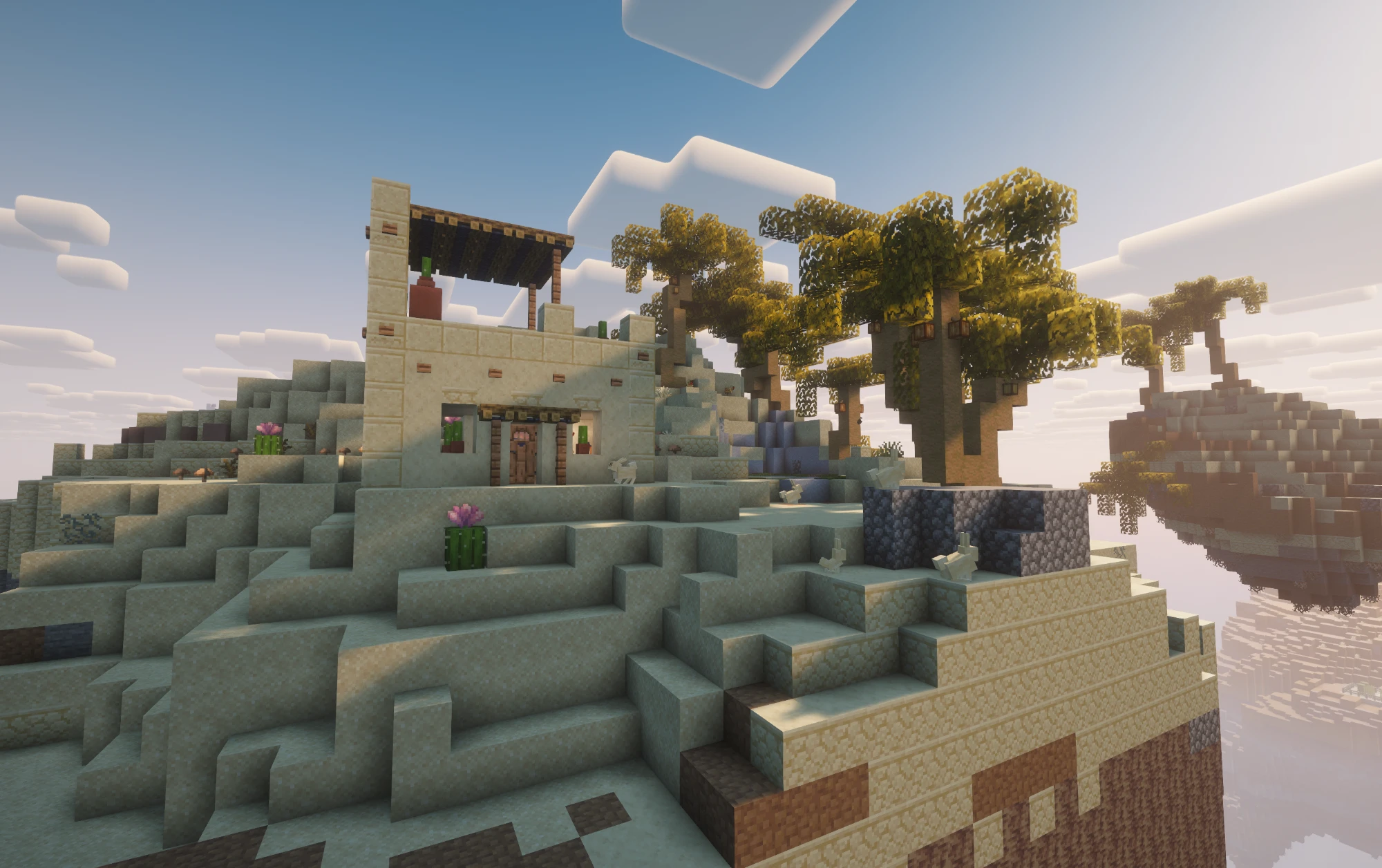
As you explore, a whole island world grows around your starting island:
The Skyblock menu
Section titled “The Skyblock menu”/sky opens the Skyblock menu. What’s in it depends on where you are.
| Menu item | What you do there |
|---|---|
| Join Island | Travel to your island. If it isn’t running, it gets started |
| Management | Rename your island (3–20 characters), server info, statistics, Delete the server |
| Members | Invite players and assign rights |
| Statistics | Your stats, leaderboards and the whole network |
| Shared Servers | Islands you’re a member of |
| Friends & Clan | Friends, clan and mail |
If you don’t have an island yet, you’ll find Create Skyblock here instead – see Getting started.
| Menu item | Command | What you do there |
|---|---|---|
| Skill tree | /sky skills |
Buy biomes, biome quests, favourites |
| Quests | /quest |
Daily, weekly and bonus quests |
| Members | /sky friends |
Members and rights |
| Statistics | /sky stats |
Your stats on this island |
| Island | /sky island |
Server, starting biome and Your rights – what you’re allowed to do on this island |
| Friends & Clan | /friend |
Friends, clan and mail |
| Travel | /sky visit |
Visit open islands and your friends’ islands – see Travel & Watching |
| Shops | /shop |
Search ChestShops, markets and your own shops |
| To your own island | /clan home |
Back to your island when you’re somewhere else |
Clicking the Golem on your airship also opens the skill tree.
Getting around
Section titled “Getting around”- To your island: In the lobby,
/sky→ Join Island. To islands you’re a member of:/sky→ Shared Servers. - Visiting: With
/sky visit <name>to another player’s island, on an island also through/sky→ Travel. If you have no access there, you watch if the island allows it – see Travel & Watching. Your inventory travels with you – ender chest and levels stay on each island. - Back to the lobby:
/hub(or/lobby). - Coming back: The next time you log in, you land straight on your island if it’s running. Otherwise you arrive in the lobby.
- Getting around on the island: With the Warpetts – your first pair connects your starting island and the airship.
If you die on your island in Survival mode:
- You keep your inventory and levels.
- You lose 5–15 Mana, but never more than 10 % of your balance. Below 10 Mana you lose nothing.
- You wake up in your bed – or on the deck of your airship if you don’t have one.
Below height 0 you die instantly.
Deleting your island
Section titled “Deleting your island”In the lobby under /sky → Management → Delete the server. The menu asks you to confirm first.
| Stays | Gone |
|---|---|
| Your Mana and Ruby | The island and everything on it |
| Quest progress and streak | Bought biomes, biome quests and favourites |
| Your achievements | Warpetts, residents and their trust on this island |
You don’t get spent Mana back. Afterwards you can create a new island and choose a new crystal.
Good to know
Section titled “Good to know”- One island of your own per player. If you already have one, “Create Skyblock” opens the management menu directly.
- The crystal stays. Your starting biome is set when you create the island and can’t be changed – only with a new island.
- Your island, your world. On your island you only see other players you let in – as members, through clan or friend access or as spectators. The lobby is where everyone meets – or on an island with
/clan meet.